Windows,
Without the Bullsh*t.
Stop Wasting Money on Upgrades. Squeeze Every Single FPS Out of Your Current Hardware with Professional Optimizations.
What Makes AtomOS Special?
A performance tuned builds with our playbook pre-applied. Stripped of bloatware, made for ultra-low latency, and optimized for raw gaming performance right out of the box.
Low Latency
Optimized to reduce delay and give you instant mouse and keyboard response.
No Bloatware
Removes useless background apps and tracking to keep your system clean.
Max FPS
Cuts down RAM and CPU usage to give you the highest gaming performance.
Ready to Play
Fully optimized out of the box. Just install and start gaming immediately.
100% Stable
Lightweight but perfectly stable. Fully supports all your games, drivers, and Xbox features.
Safe Updates
Gets regular community updates to stay fast, secure, and compatible with new games.
Atom OS vs Competitors vs Stock Windows
A 74.4% total resource optimization built directly for competitive gaming. The numbers speak for themselves.
| Metric | Standard Windows | Standard Tiny 11 | Atom OS |
|---|---|---|---|
| ISO Size | ~6 GB | 3 GB | 1.4 GB (-76%) |
| Disk Usage | 22 GB | 12 GB | 2.9 GB (-86%) |
| Installed Apps Count | 40 apps | 12 apps | 2 apps (-95%) |
| CPU Processes | 140 processes | 80 processes | 50 processes (-64%) |
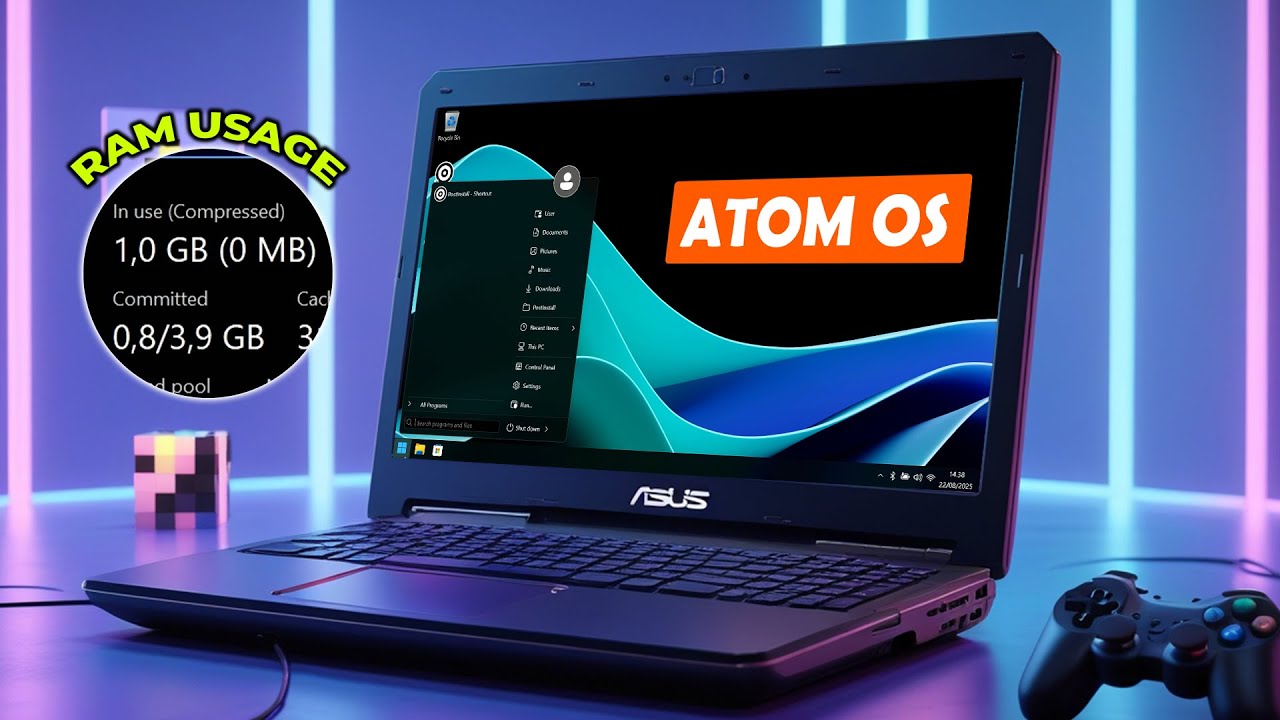
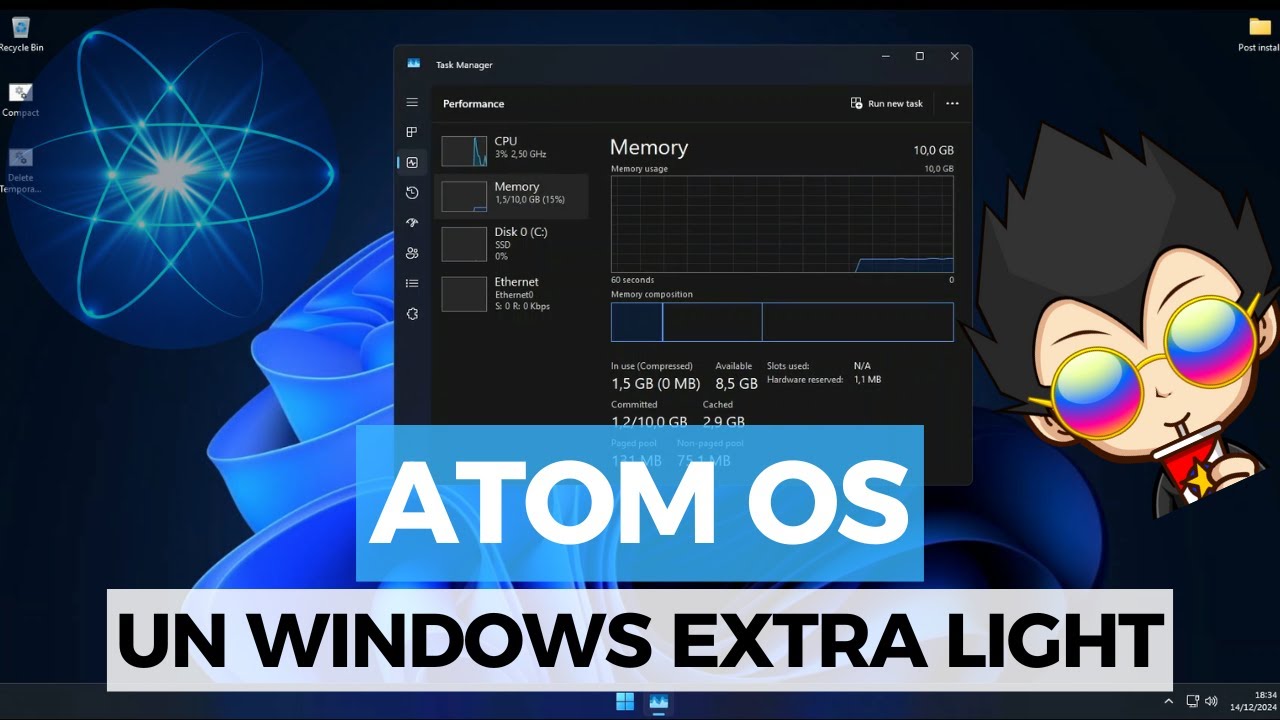
| RAM Usage | 3 GB | 1.4 GB | 900 MB (-70%) |
| Latency | High | High | Minimal |
Select Your Build
Windows builds that are completely ready for you. No manual tweaks, no setup guides, and no time wasted.
Atom OS 10 Lite
Best for low end devices with tons of disabled apps.
Looking for other builds?
Check our Discord server for more builds, support, and community discussions.
Lite / Standard vs Ultimate Differences
Compare features of our specialized optimization tiers to find your perfect build.
| Feature | Lite | Standard | Ultimate |
|---|---|---|---|
| Windows Defender | |||
| Windows Store & UWP Support | |||
| Access to the Ultimate Tweaking Packages | |||
| 30% Discount on all products | |||
| Life Time Free Updates |
System Stability & Security Notice
AtomOS is built to be fast, stable, and safe. Every update is fully tested to make sure it works perfectly with all your games, anti-cheat software, and drivers.
Transparency & Open Source
Please note that our custom Windows builds are not open source. However, AtomPlaybook is open source. You can transparently review every tweak and script applied in AtomOS by inspecting our open repositories.

Frequently Asked Questions
Find answers to common questions about Atom OS and how it can benefit you.
We build ultra-tweaked custom Windows ISOs and open-source playbooks designed to do one thing: strip background junk, kill input lag, and maximize your FPS.
If the Start Menu fails to initialize, install StartAllBack, which is located in your Post-Install folder.
If you encounter missing runtime errors, download the "All-in-One Runtimes" package. This will automatically install all necessary C++ redistributables and framework components required for system stability.
If you are unable to access your account, try the default credentials: Username: User Password: User
If you experience unexpected application or system crashes, verify that your Paging File is enabled in System Properties.
For a lightweight, reliable alternative to the native tool, we recommend installing LightShot.
If your adapter is not showing up, open services.msc, navigate to WLAN AutoConfig, and ensure the startup type is set to Automatic.
Navigate to Windows Privacy settings and ensure Microphone Access is toggled to On for your applications.
If your monitor fails to retain your custom refresh rate, open CRU (Custom Resolution Utility), delete all existing resolutions, and create a new profile for your target refresh rate.
What Our Users Say
Dont just take our word for it — hear from people who have transformed their computing experience with Atom OS.
It was linux fulltime or Atomos and Linux because Windows 11 is Spyware. AtomOS saved my marriage. ( she hates linux)

Playful Puffer
Ultimate Discord User
As the founder of Warris Corp, In daily use (gaming, development, and general tasks), AtomOS feels very clean and efficient. The OS is extremely lightweight thanks to its compact system design, using very little disk space while staying stable and responsive. Performance-wise, it keeps a good balance between speed, stability, and usability. It doesn’t feel over-modified or unstable, which is important for both gaming and work environments.

𝙒𝙖𝙧𝙧𝙞𝙨
Owner of Warris Shop
I’ve been using Atom OS for a while now, and honestly, I’m impressed. Compared to standard Windows 11, it’s noticeably faster. Everything feels snappier. apps open quicker, the system feels lighter and smoother overall.

Marrio
Discord User
ive already tested a bunch of different os and atom is definitely the best. its stable, gives me a lot of fps and i feel zero delay in games, 100% recommend it im playing re9 above 200fps all the time on max without rt hahaha
Discord User
Discord User
Atom Community
Don’t just be an Atom user, be part of the Atom team.
Project Atom Server
Join our server and share your experience with hundreds, maybe even thousands, of other Atom users.
Global Community
Communicate with people from all around the world.
Open Source
Every single script is available for anyone to view.
Everything is inside the Atom Discord server — links, tutorials, guides, special builds, releases, and much more.
Join Our Discord Community